Remote Spanish Voice Recording Tools Made Easy

Recording Spanish voice-overs remotely is now a straightforward process. With the right tools and setup, you can deliver professional-quality audio from anywhere. This guide covers essential tools, practical tips, and workflows to help you achieve excellent results.
Essential Spanish Voice Recording Tools
Choosing the right tools is the first step. You need equipment and software that ensure clear, crisp audio. Here are the basics:
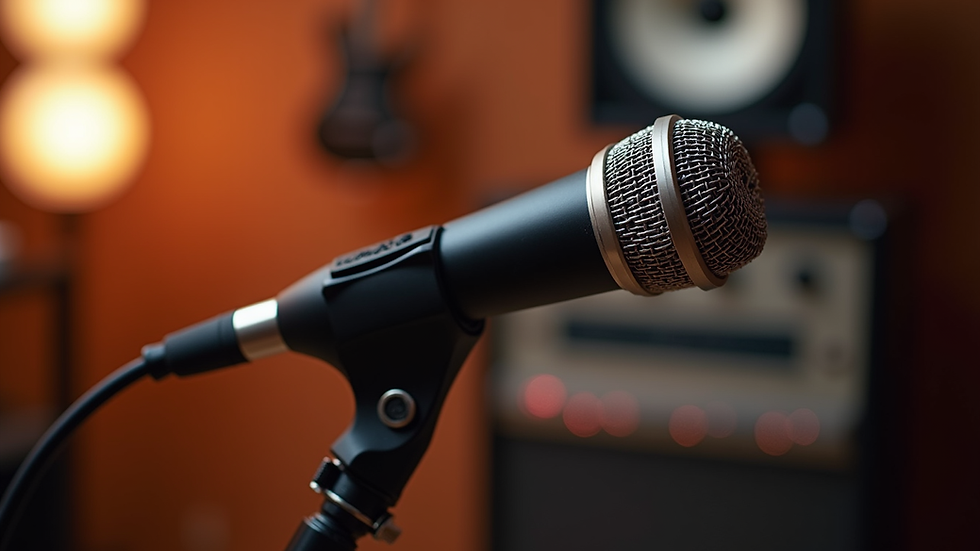
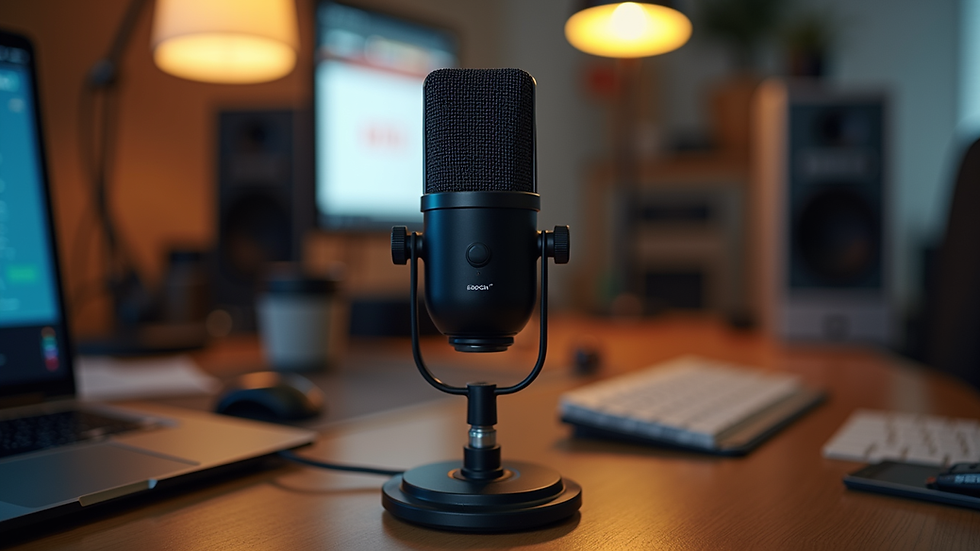
Microphone: A good condenser or dynamic microphone captures voice details accurately. USB microphones are convenient for remote work.
Audio Interface: If using an XLR microphone, an audio interface connects it to your computer.
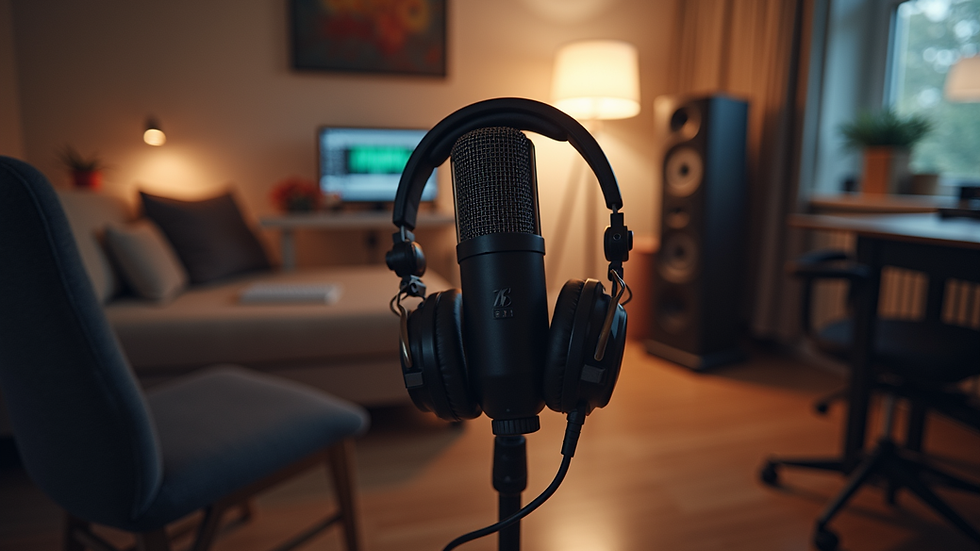
Headphones: Closed-back headphones help monitor recordings without sound leakage.
Recording Software: Digital Audio Workstations (DAWs) like Audacity or Adobe Audition allow you to record and edit audio.
Pop Filter: Reduces plosive sounds for cleaner recordings.
Quiet Space: A room with minimal background noise and echo is crucial.
These tools form the foundation for professional Spanish voice recording.
Setting Up Your Remote Spanish Voice Recording Environment
A controlled environment improves audio quality. Follow these steps:
Choose a Quiet Room: Avoid rooms near traffic or noisy appliances.
Soundproofing: Use foam panels, blankets, or curtains to reduce echo.
Position Microphone Correctly: Place it 6-12 inches from your mouth, slightly off-axis to reduce breath noise.
Check Background Noise: Turn off fans, air conditioners, and other noise sources.
Test Recordings: Record short clips to check sound quality and adjust settings.
A well-prepared space ensures your voice sounds clear and professional.
Recording Workflow for Spanish Voice Projects
A smooth workflow saves time and improves output quality. Here is a recommended process:
Script Preparation: Review and mark the script for pronunciation and emphasis.
Warm-Up: Do vocal exercises to prepare your voice.
Recording Sessions: Record in short segments to maintain energy and focus.
Monitor Audio Levels: Keep levels between -12 dB and -6 dB to avoid distortion.
Save Multiple Takes: Record several versions for client options.
Backup Files: Save recordings in multiple locations to prevent data loss.
Following this workflow helps maintain consistency and professionalism.
Editing and Delivering Spanish Voice Recordings
Post-production is key to polished audio. Use these editing tips:
Noise Reduction: Remove background hiss or hum.
Equalization (EQ): Adjust frequencies to enhance voice clarity.
Compression: Balance volume levels for a consistent sound.
Normalization: Set peak levels to industry standards.
File Format: Deliver files in WAV or high-quality MP3 as requested.
Naming Conventions: Use clear, consistent file names for easy client access.
Delivering clean, well-edited files reflects professionalism and attention to detail.
Tips for Effective Remote Spanish Voice Recording
Here are practical tips to improve your remote recording sessions:
Use a reliable internet connection for live direction or feedback.
Communicate clearly with clients about project requirements.
Keep your recording software and hardware updated.
Schedule sessions during quiet times to avoid interruptions.
Practice Spanish pronunciation and intonation regularly.
Use a script reader app or teleprompter to maintain flow.
These tips help you deliver high-quality voice recordings efficiently.
Expanding Reach with Remote Spanish Voice Recording
Remote work opens doors to global projects. By mastering remote Spanish voice recording, you can:
Collaborate with international brands and agencies.
Support e-learning platforms with clear, engaging narration.
Provide corporate clients with timely voice-over services.
Manage multiple projects without geographic constraints.
Embracing remote recording technology positions you as a top choice for professional Spanish voice-over services worldwide.
For those interested in learning more about remote spanish voice recording, this approach offers flexibility and quality without compromise.
Mastering these tools and techniques will elevate your voice-over work. Consistent quality and professionalism build trust and expand your client base. Start setting up your remote Spanish voice recording studio today.