Efficient Remote Spanish Audio Recording Techniques

Recording Spanish voice-overs remotely requires precision and efficiency. The goal is to deliver clear, professional audio that meets client expectations. I focus on practical steps to ensure quality and consistency. This guide covers essential techniques for remote Spanish audio recording.
Setting Up Your Remote Spanish Audio Recording Environment
A quiet, controlled space is crucial. Background noise and echoes reduce audio quality. Choose a room with soft surfaces like carpets and curtains. These absorb sound reflections.
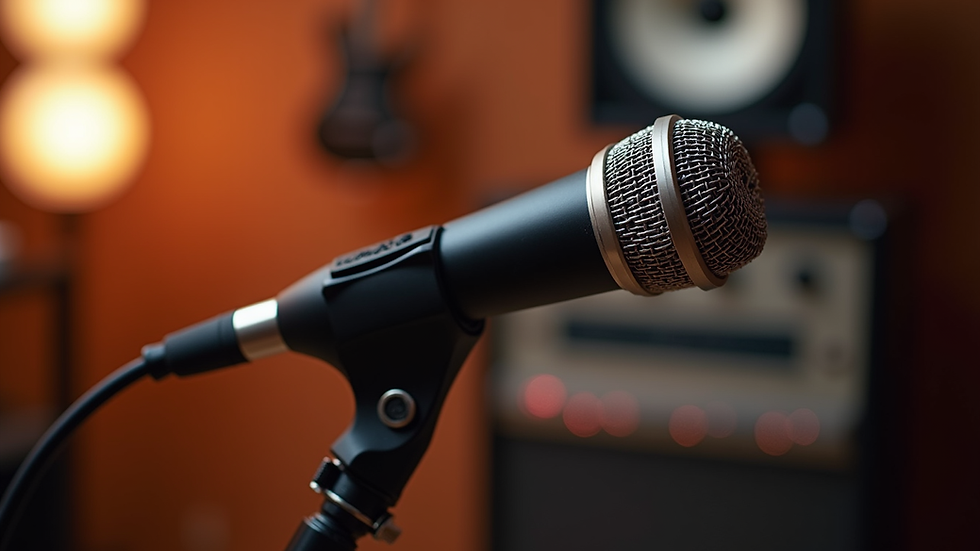
Use a quality microphone. USB microphones are convenient but XLR mics with an audio interface offer better sound. Position the mic 6-12 inches from your mouth. Use a pop filter to reduce plosives.
Check your recording device settings. Set sample rate to 44.1 kHz or 48 kHz and bit depth to 24-bit for clear audio. Use a digital audio workstation (DAW) like Audacity or Adobe Audition for recording.
Test your setup before sessions. Record a sample and listen for noise, distortion, or volume issues. Adjust mic placement and room setup as needed.

Best Practices for Remote Spanish Audio Recording
Speak clearly and at a steady pace. Spanish has unique phonetics and accents. Enunciate vowels and consonants carefully. Avoid rushing or mumbling.
Use a script to maintain consistency. Read it aloud several times before recording. This reduces mistakes and retakes.
Record in segments. Break the script into manageable parts. This helps maintain energy and focus. It also simplifies editing.
Monitor your audio levels. Keep peaks around -6 dB to avoid clipping. Use headphones to catch background noise or audio issues in real time.
Save files in lossless formats like WAV or AIFF. Avoid compressed formats like MP3 during recording to preserve quality.
Tools and Software for Remote Spanish Audio Recording
Reliable software is key. I recommend tools that support remote collaboration and high-quality recording.
Zoom or Skype: For live direction and feedback during sessions.
Source-Connect or SessionLinkPRO: For professional-grade remote recording.
Audacity: Free, open-source DAW for recording and editing.
Adobe Audition: Advanced DAW with noise reduction and mastering features.
Use cloud storage like Google Drive or Dropbox to share files securely. Label files clearly with project name, date, and take number.

Tips for Working with Clients on Remote Spanish Voice Projects
Clear communication is essential. Confirm project details before recording. Ask about tone, style, and target audience.
Send a short sample recording for approval. This avoids major revisions later. Be open to feedback and ready to make adjustments.
Set deadlines and stick to them. Remote work requires discipline. Use project management tools like Trello or Asana to track progress.
Offer multiple takes if possible. Clients appreciate options to choose the best performance.
Optimizing Audio Quality for Spanish Voice-Overs
Post-production improves audio clarity. Use noise reduction tools to remove background hum or hiss. Apply equalization to enhance vocal presence.
Compression balances volume levels. Avoid over-compressing to keep natural dynamics.
Normalize audio to a consistent loudness standard, such as -23 LUFS for broadcast or -16 LUFS for online platforms.
Export final files in the format requested by the client. Common formats include WAV, AIFF, or high-bitrate MP3.
Expanding Reach with Remote Spanish Voice Recording
I use remote spanish voice recording to connect with clients worldwide. This method saves travel time and costs. It also allows flexible scheduling.
Invest in a reliable internet connection. Use wired Ethernet instead of Wi-Fi when possible. This reduces latency and dropouts.
Prepare backup equipment. Have a second microphone and headphones ready. This prevents delays if gear fails.
Stay updated on industry trends and technology. Continuous learning improves efficiency and audio quality.
Remote Spanish audio recording is a skill that combines technical setup, vocal technique, and client collaboration. Following these steps ensures professional results every time. Efficient workflows and quality control help deliver voice-overs that elevate client projects.